Text tool
Word Counter
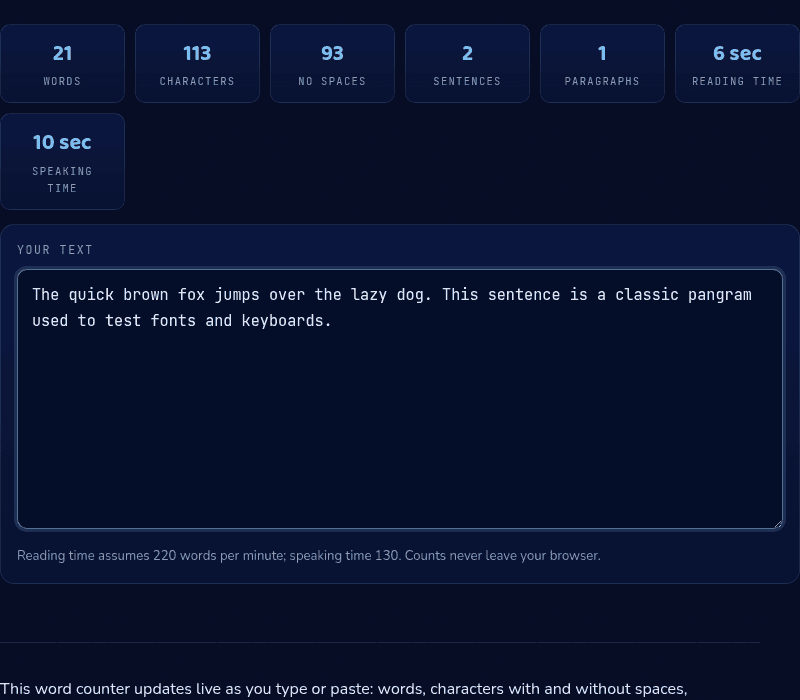
Words, characters, sentences, and reading time — live.
0
Words
0
Characters
0
No spaces
0
Sentences
0
Paragraphs
0 sec
Reading time
0 sec
Speaking time
Your text
Reading time assumes 220 words per minute; speaking time 130. Counts never leave your browser.
How it works
This word counter recalculates live as you type or paste: word count splits on whitespace the way word processors do, character counts are tracked both with and without spaces, and sentence count looks for terminal punctuation. Reading time divides your word count by 220 words per minute (a typical adult silent-reading speed), while speaking time uses 130 words per minute, the pace of a comfortable presentation.
When you'd use this
- Hitting an essay or application word limit: checking a Common App essay or supplemental answer against its exact word cap before submitting, since going over is usually worse than coming in slightly under.
- Timing a speech or presentation script: using the speaking-time estimate to see whether a script actually fits a 5-minute or 20-minute conference slot before rehearsing it.
- Checking a post against a platform's character limit: confirming a caption or post fits X's 280 characters or an SMS's 160-character segment before pasting it in.
Frequently asked questions
Does this word counter store my text?
No. Counting happens entirely in your browser with JavaScript; your text is never uploaded, logged, or stored anywhere. Close the tab and it's gone.
How are words counted exactly?
Any run of characters separated by whitespace counts as one word — the same rule word processors use. Hyphenated compounds like 'well-known' count as one word.
What counts as a sentence?
Text ending in a period, question mark, exclamation mark, or ellipsis. Abbreviations can occasionally inflate the count slightly — treat the sentence number as a close estimate.
How many words is a 5-minute speech?
About 600–750 words at a comfortable presentation pace of 120–150 words per minute. Use the speaking-time stat here to check your script directly.
From the blog
Related tools